Typst: page layout and styling
Typst separates what you write from how it looks. You write the content once, then use set rules at the top of the document to choose paper, fonts, spacing and numbering for everything.
Set rules
A set rule changes the default arguments of a function for the rest of the document, or for the rest of the block it is in.
#set text(size: 12pt)
#set par(justify: true)

This paragraph is 12 point and justified, and so is
every paragraph after it.

#[
  #set text(fill: blue)
  Only this block is blue.
]

Back to normal.

Put your set rules at the very top of the document, before any text. In TypstDrive, Page settings and the font picker in the toolbar write the most common ones for you.
The page
| Argument | What it does | Examples |
|---|---|---|
paper |
Standard paper size. | "a4", "us-letter", "a5", "presentation-16-9" |
width, height |
A custom size, instead of paper. |
width: 12cm, height: 18cm |
flipped |
Landscape. | flipped: true |
margin |
One value for all sides, or per side. | 2cm, (x: 2cm, y: 3cm), (top: 3cm, rest: 2cm), (inside: 3cm, outside: 2cm) |
columns |
Number of columns of text. | 2 |
fill |
Background colour. | rgb("#fdf6e3"), none for transparent |
numbering |
Page numbers in the footer. | "1", "i", "1 / 1" |
number-align |
Where the number goes. | center, right, top + right |
Text and fonts
| Argument | What it does | Examples |
|---|---|---|
font |
The font, or a list of fonts to try in order. | "Libertinus Serif", ("Inter", "Noto Sans") |
size |
Font size. | 10pt, 12pt |
weight |
Thickness. | "regular", "bold", 700 |
style |
Slant. | "italic" |
fill |
Colour. | red, rgb("#1e66f5"), luma(80) |
lang |
Language, for hyphenation, quotes and labels like "Figure". | "en", "de", "fr" |
hyphenate |
Turn hyphenation on or off. | true, false |
To use your own font in TypstDrive, upload the .ttf or .otf file, then use the font's name. The font picker in the toolbar lists every font you can use. See Fonts and images.
Paragraphs
#set par(
  justify: true,
  leading: 0.65em,
  spacing: 1.2em,
  first-line-indent: 1.5em,
)

#lorem(60)

#lorem(60)
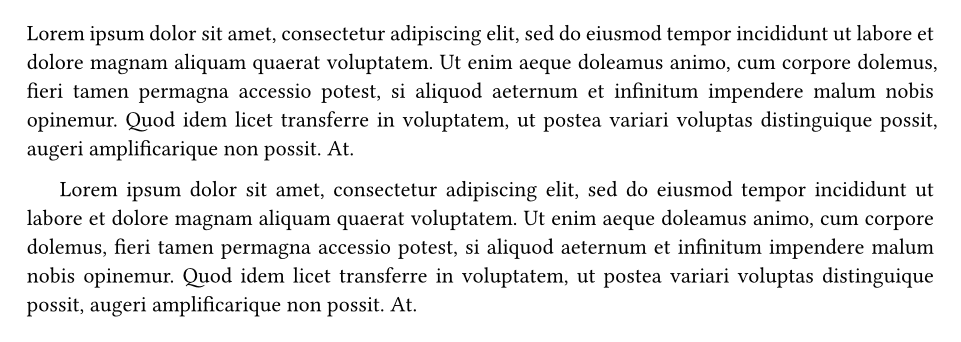
justifylines up both edges of the text.leadingis the space between lines in a paragraph.spacingis the space between paragraphs.first-line-indentindents the first line of each paragraph after the first.
Headings and numbering
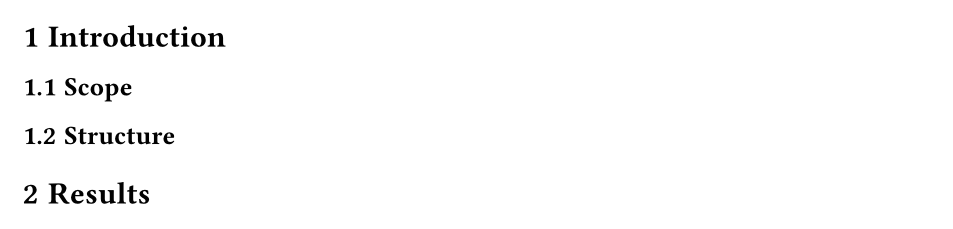
Numbering patterns use 1 for numbers, a or A for letters, i or I for Roman numerals, and any other characters as they are: "1.", "1.a", "I.", "Chapter 1".
Table of contents
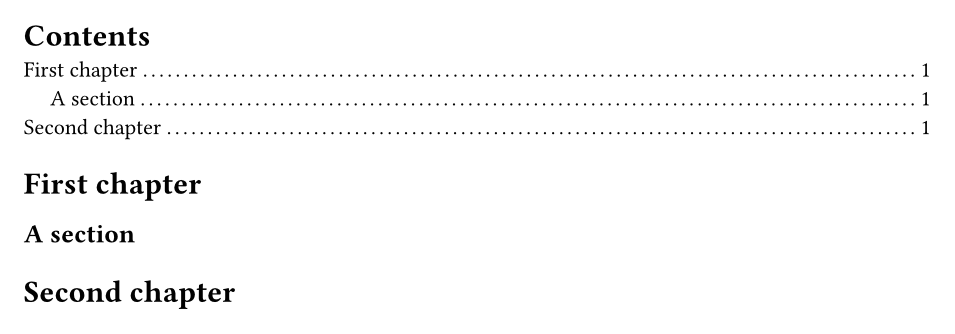
Options: #outline(title: [Contents], depth: 2, indent: auto). For a list of figures, use #outline(title: [Figures], target: figure.where(kind: image)).
Alignment
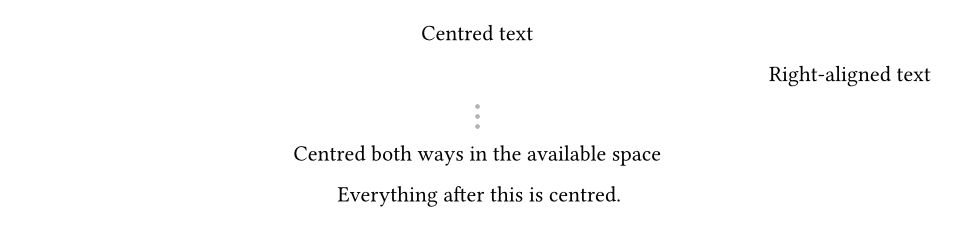
#align(center)[Centred text]
#align(right)[Right-aligned text]
#align(center + horizon)[Centred both ways in the available space]

#set align(center)
Everything after this is centred.
Spacing
First line.
#v(2cm)
Two centimetres further down.

Left #h(1fr) Right

Left #h(1fr) Middle #h(1fr) Right
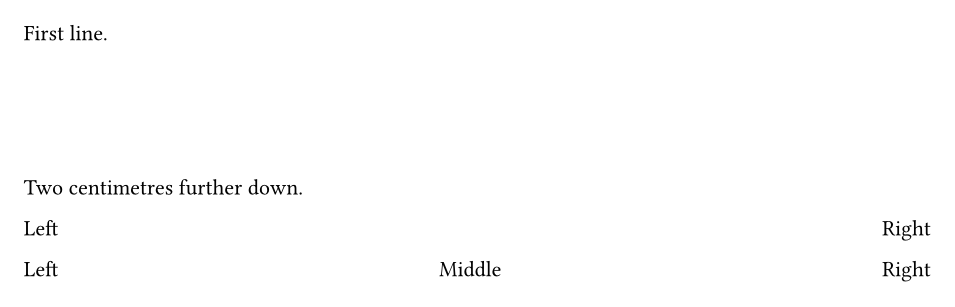
#vadds vertical space,#hadds horizontal space.1frmeans "one share of the remaining space", so#h(1fr)pushes things to the far edge.- Lengths can be
pt,mm,cm,inorem(relative to the font size).
Page breaks
First page.
#pagebreak()
Second page.
#pagebreak(to: "odd")
Next odd page, for chapters in a printed book.

Columns and grids
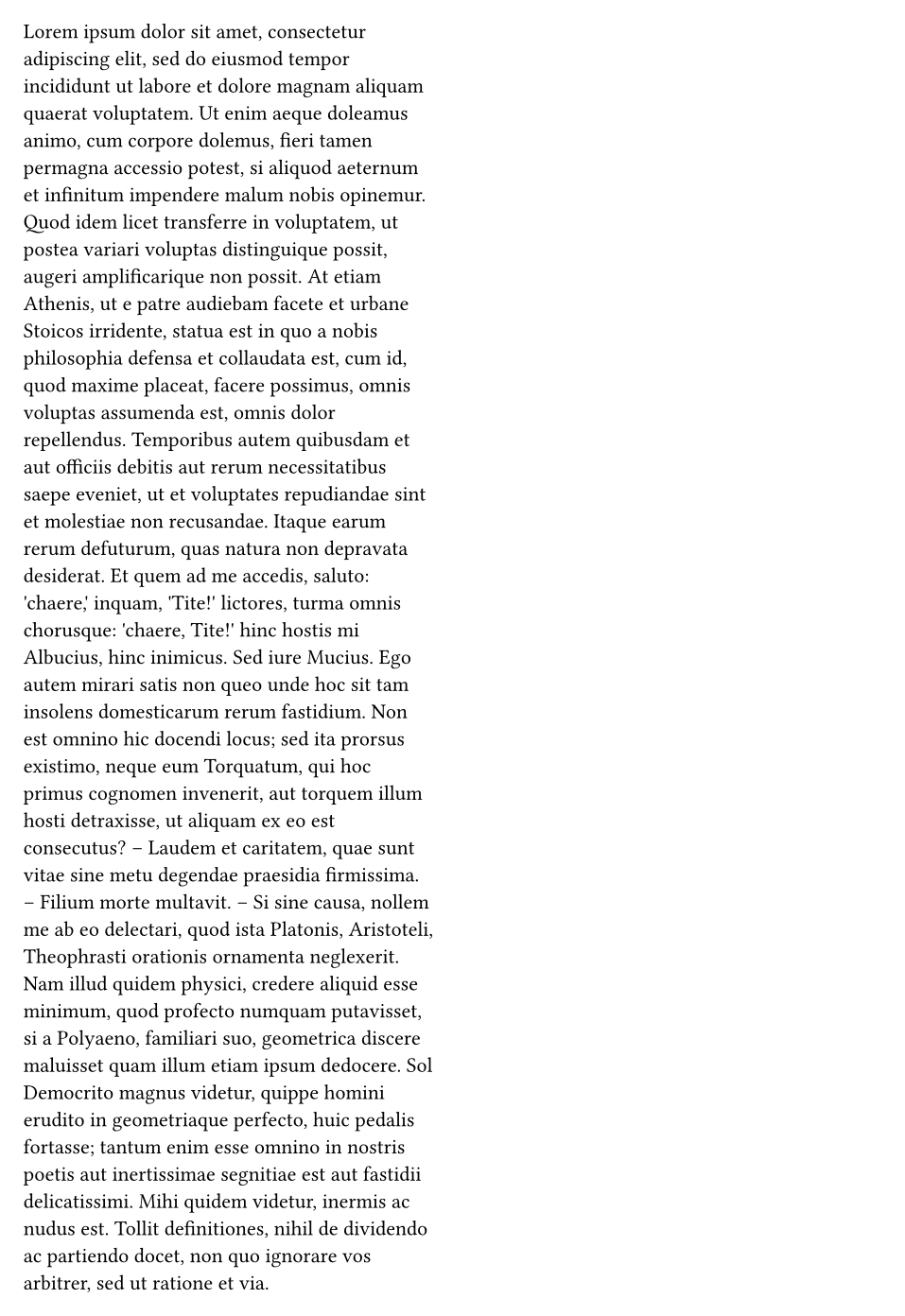
Two columns for the whole document:
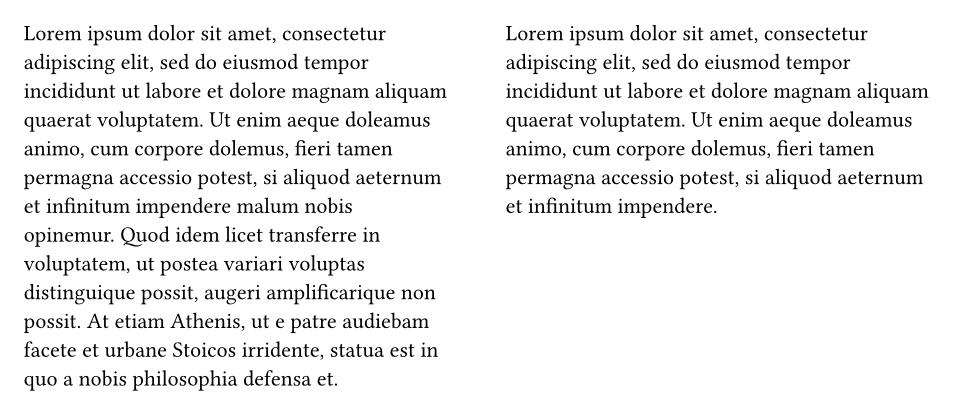
Or only for part of it:
#grid places content in cells without borders, perfect for side-by-side layouts:
#grid(
  columns: (1fr, 2fr),
  gutter: 1em,
  rect(width: 100%, fill: luma(230))[Narrow column],
  rect(width: 100%, fill: luma(230))[Wide column with more room for text.],
)

Boxes and blocks
#block is a box that takes the full width and can break across pages. #box sits inside a line of text.
#block(
  fill: rgb("#eef4ff"),
  stroke: (left: 3pt + rgb("#1e66f5")),
  inset: 12pt,
  radius: 4pt,
  width: 100%,
)[
  *Note:* blocks are great for callouts and warnings.
]

Inline #box(fill: yellow, inset: 2pt)[highlighted] word.

#rect, #circle and #ellipse draw shapes, and #line(length: 100%) draws a horizontal rule.
Headers and footers
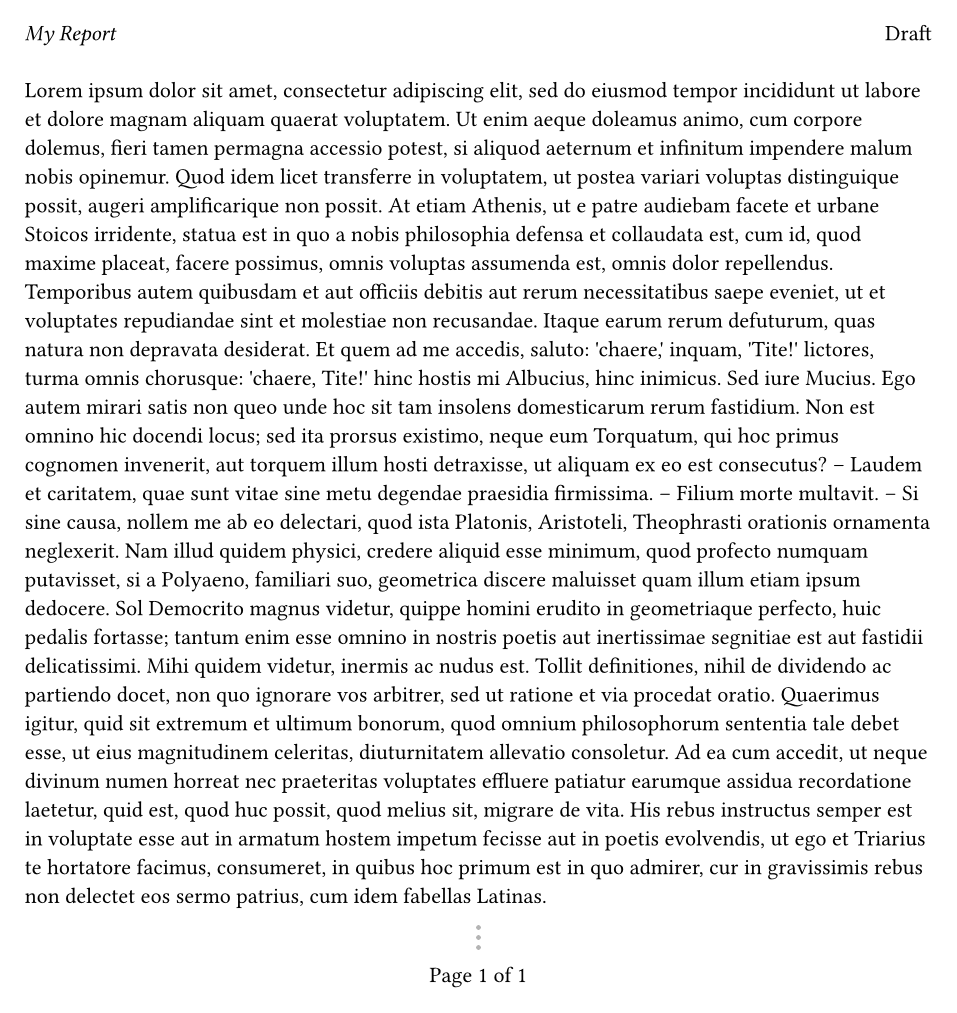
header and footer take any content. Page numbers are read with counter(page), inside context because the number depends on where the content ends up.
#set page(
  header: [
    _My Report_
    #h(1fr)
    Draft
  ],
  footer: context [
    #h(1fr)
    Page #counter(page).display() of #counter(page).final().first()
    #h(1fr)
  ],
)

#lorem(400)
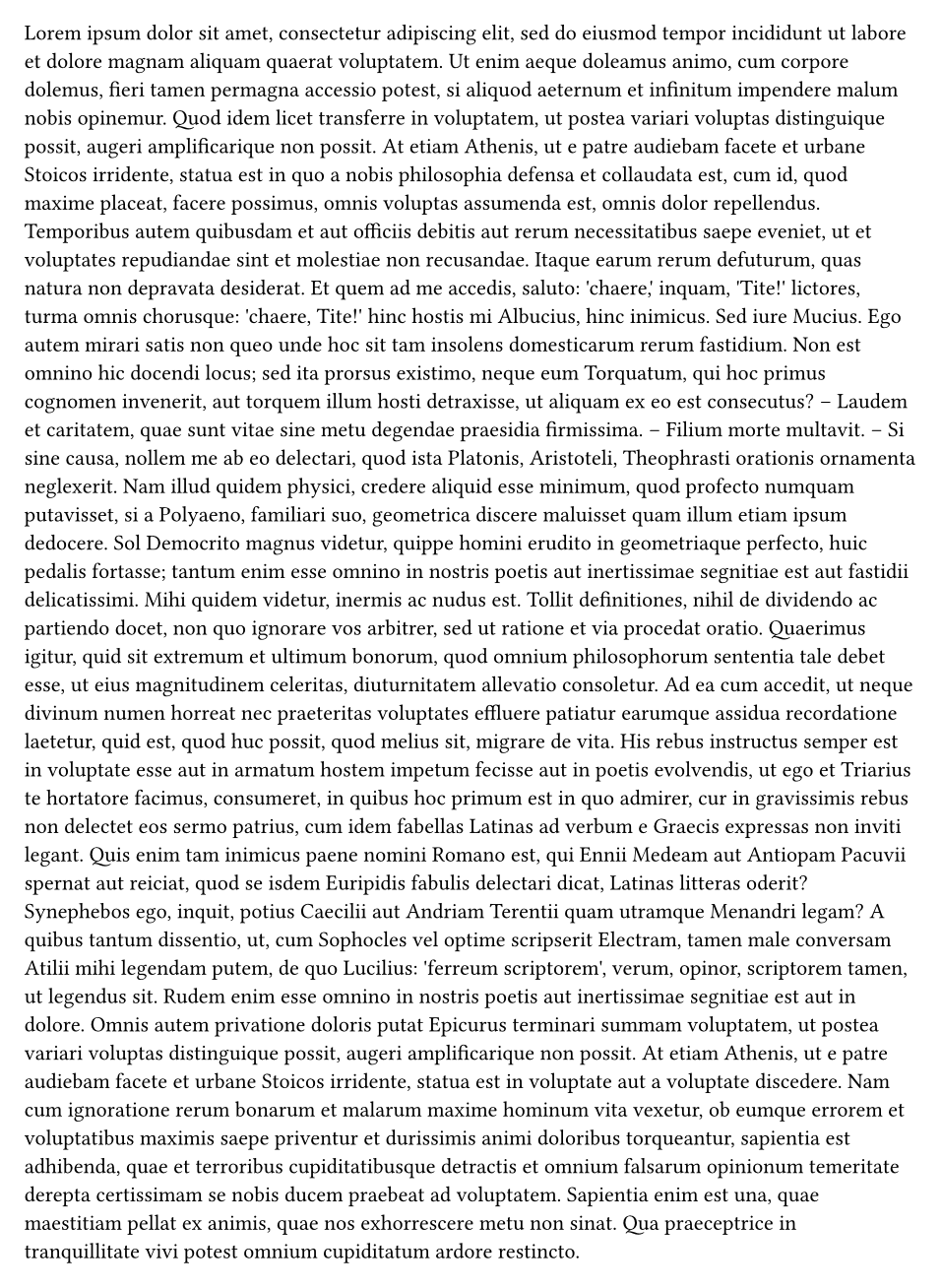
To hide the header on the first page:
#set page(header: context {
  if counter(page).get().first() > 1 [
    _My Report_ #h(1fr) Draft
  ]
})

#lorem(600)
Placing things anywhere
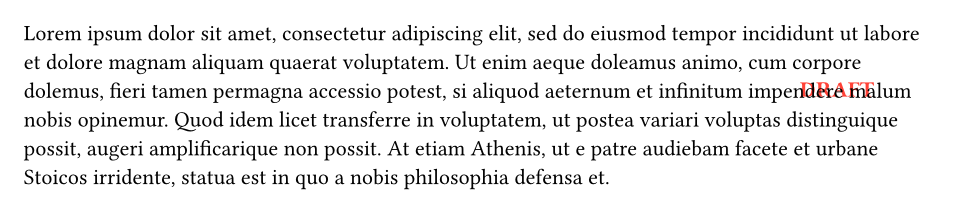
#place puts content at a fixed position without moving the text around it.
Document information
#set document(
  title: "Annual Report 2026",
  author: ("Ada Lovelace", "Charles Babbage"),
  keywords: ("report", "finance"),
)
This fills in the PDF's title, authors and keywords, which PDF readers and search engines show.
Putting it together
#set document(title: "Field Notes", author: "Ada Lovelace")
#set page(
  paper: "a5",
  margin: (inside: 2.5cm, outside: 1.8cm, y: 2cm),
  numbering: "1",
  number-align: center,
)
#set text(font: "Libertinus Serif", size: 10.5pt, lang: "en")
#set par(justify: true, first-line-indent: 1.2em, spacing: 0.8em)
#set heading(numbering: "1.")

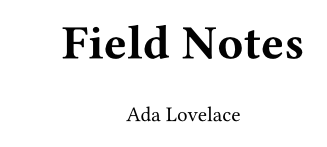
#align(center + horizon)[
  #text(size: 24pt, weight: "bold")[Field Notes]
  #v(0.5em)
  Ada Lovelace
]
#pagebreak()

#outline()
#pagebreak()

= Morning
#lorem(150)

= Afternoon
#lorem(150)
Next steps
Add pictures, tables and references in Images, tables and references.