Administration
Administrators look after a TypstDrive server from the browser. Open Site Settings from the account menu in the top right. The first account, created on the setup page, is an administrator, and administrators can make others administrators too.
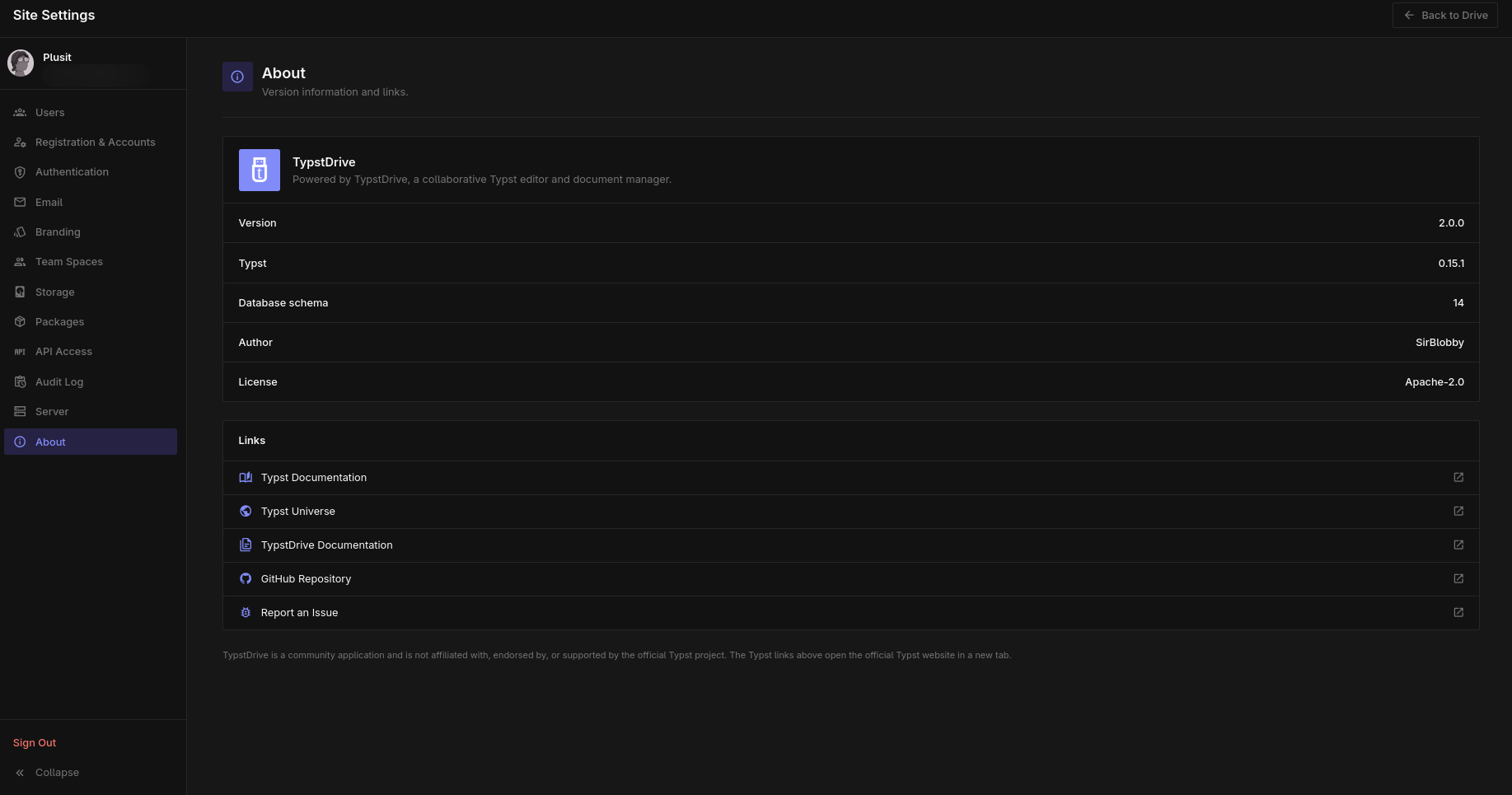
| Page | What you can do |
|---|---|
| Users and accounts | Create, remove and help users, and decide who can sign up. |
| Sign-in and security | Choose sign-in methods, lockout rules and session length, check email, and read the audit log. |
| Look and feel | Set your own name, logo, colors and sign-in message. |
| Team spaces | Decide who can create teams and how big they can be. |
| Storage and history | Set storage limits and how many versions each document keeps. |
| Packages | Control who can publish packages and how big they can be. |
| API access | Turn the API on or off and set limits. |
| Server and about | Check how the server is set up and which version it runs. |
Settings that need a restart, such as the database or email server, are set when self-hosting instead.